Is it safe to connect ChatGPT to your email? What read-only really means
Connecting AI to your inbox feels scary. Here is what read-only access actually means, why drafts beat auto-send, and exactly what to check before you turn it on.
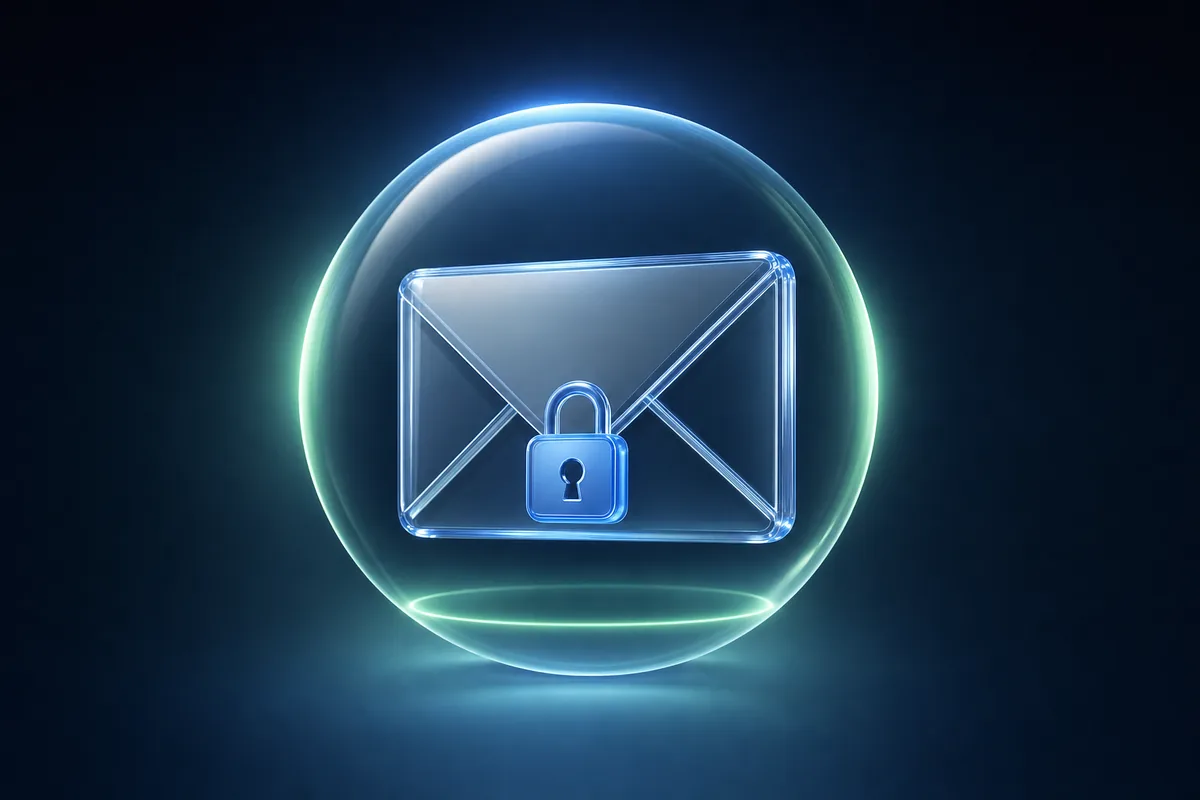
The first time someone suggests connecting ChatGPT to your email, your stomach does a little flip. This is your inbox. Years of conversations, bank notices, that one embarrassing thread you would rather forget. The idea of an AI rummaging through it, and maybe firing off messages on its own, feels like handing a stranger your house keys. That instinct is healthy. Hold onto it. But also let me show you why the careful version of this is genuinely safe, and what to look for.
I am Alex. I co-founded AgentPod, where we test and security-check AI skills for a living, so I spend my days poking at exactly this question. And the short answer is yes, it can be safe, but only if you understand one phrase: read-only. Most of the fear melts away once you know what those two words actually mean.
That number does not surprise me at all. People are right to be cautious about an AI that can send mail in their name. The good news is that letting AI help with email and letting AI send email are two completely different things. You can have the first without the second.
What read-only access really means
When a tool asks to connect to your email, it asks for a specific level of permission. Think of it like the difference between giving someone a window to look through versus a key to the front door.
Read-only means the AI can do two things: read your messages and write drafts. That is the whole list. It can scan your inbox, understand what is going on, and prepare a reply for you. What it cannot do is send anything, delete anything, or empty your trash. It writes the email and then stops, like a very fast assistant who hands you a note and waits.
Read-only access lets AI read your inbox and draft replies, but it cannot send, delete, or change anything. Nothing leaves your account until you press send yourself.
Compare that to full access, which usually bundles in send, delete, archive, and account changes. That is the scary version, and it is the version most people are picturing when they hesitate. You almost never need it. The useful work, sorting, summarizing, drafting, all happens at the read-only level.
The draft-first pattern, or how to keep a human in the loop
Here is the pattern I trust, the one we build around at AgentPod. It is called draft-first, and the idea is simple. The AI does the hard part, then hands the decision back to you.
Walk through it. A new email lands. The AI reads it, figures out what it needs, and writes a reply in your voice. Then it stops. The draft sits there, in your drafts folder, waiting. You glance at it, change a word if you want, and decide. Send, or do not send. The one action that actually matters, the irreversible one, stays in your hands every single time.
You get the speed of having a draft already written, which is the slow part of email, while keeping full control over the part that carries risk. The AI saves you the typing. You keep the judgment.
This is what people mean by human in the loop. The machine is a helper, not an autopilot. And honestly, for email, I think this is the right setup for almost everyone, maybe forever. There is very little upside to letting an AI send messages in your name unsupervised, and a lot of downside the one time it gets something wrong.
What can actually go wrong, and what cannot
Let me be honest about the risks instead of waving them away, because that is the only way to make a real decision.
- It cannot send a wrong email on its own. In read-only draft-first mode, there is no send permission. The embarrassing autopilot scenario simply is not possible. That fear is about full access, not this.
- It could draft something off. The AI might misread a thread and write a reply that misses the point. That is fine, because you read it before it goes. A bad draft costs you ten seconds, not a relationship.
- The real question is the tool itself. The risk shifts from what can the AI do to who am I trusting with my data. Where does your email go, who can see it, and is it kept or used to train models. That is the part to check carefully.
The danger is rarely the AI sending mail. It is a sloppy or shady tool that reads your inbox and quietly stores it, shares it, or trains on it. Read the data policy before you connect anything to your email. If you cannot find a clear answer, do not connect it.
What to check before you connect
Here is the short checklist I run before I let any tool near an inbox. It takes about five minutes and it is worth every second.
- Confirm it asks for read-onlyWhen you connect, the permission screen should say it can read and draft, not send or delete. If a tool demands full send access just to summarize your inbox, that is a red flag. Walk away.
- Read the data policyFind the line about what happens to your email. You want to see that your data is not stored longer than needed and is not used to train models. Vague or missing means no.
- Check that it is draft-firstReplies should land in your drafts for your approval, not get sent automatically. If you cannot tell whether it auto-sends, assume it might and slow down.
- Know how to disconnectBefore you connect, find the off switch. In Gmail it is under Third-party apps with account access. Knowing you can revoke it in ten seconds makes trying it feel safe, because it is.
- Start smallPoint it at one type of email first, maybe just newsletters or one project thread. Watch how it behaves for a week before you widen it. Trust is earned slowly.
If you want the deeper version of this, how AI skills get vetted and what a real security check looks at, I wrote a whole piece on whether AI skills are safe. And the way we think about data at AgentPod is laid out on our security page, in plain language, not legalese.
What this looks like in practice
When the setup is right, here is your actual morning. You open your laptop. The overnight noise is already sorted. The handful of emails that need a real reply each have a draft waiting, written in your voice, ready to read. You skim, tweak, send the good ones, bin the rest. Twenty minutes of dread becomes five minutes of clicking.
The skill we built for exactly this is read-only and draft-first by design. It reads, it sorts, it drafts, and it stops.
 Email Triage & DraftReads your inbox, sorts the noise, and leaves a reply draft for you to approve.
If you want the full walkthrough of getting your inbox calm with this approach, I go step by step in Inbox Zero with AI. Same philosophy: let AI do the reading and drafting, keep the sending for yourself.
Inbox ZeroA small set of skills that quiet your inbox without ever sending on your behalf.Read my unread email from the last 24 hours. Group it into: needs a reply, just FYI, and noise. For each one that needs a reply, write a short draft in my voice. Do not send anything. Leave every draft for me to approve.
- Read-only access means AI can read your inbox and write drafts, but cannot send or delete. Nothing leaves your account without you.
- The draft-first pattern keeps a human in the loop on the one action that matters: hitting send.
- The real risk is not the AI sending mail. It is a careless tool storing or training on your email. Read the data policy first.
- Before connecting: confirm read-only, read the policy, check for draft-first, find the off switch, and start with one type of email.
- You can revoke access from your email settings in seconds, which is part of what makes trying it genuinely safe.
Common questions
Can ChatGPT send emails without me knowing?
Not if you set it up read-only and draft-first. In that mode it can read your inbox and write drafts, but it has no permission to hit send. Nothing leaves your account until you click the button yourself. If you ever grant full send access, then yes it could, which is exactly why you should start read-only.
What is the difference between read-only and full access?
Read-only means the AI can look at your messages and prepare drafts, nothing more. Full access usually adds send, delete, archive, and the ability to manage your account. Most people only ever need read-only plus drafting. I would not grant send access until you have watched the AI work for a few weeks and trust it.
Will connecting my email train an AI on my private messages?
It depends entirely on the provider, so read their data policy before you connect. A trustworthy tool processes your email to do the job and does not keep it or train on it. Look for a clear line that says your data is not used for training and is not stored longer than needed.
What is the draft-first pattern?
It means the AI does all the thinking and writing, then stops and shows you a draft. You read it, fix anything, and decide whether to send. The human stays in the loop on the one action that matters, hitting send. It gives you the speed of automation without the risk of a machine emailing people on its own.
Can I let AI handle some emails automatically but not others?
Yes, and that is a smart way to ease in. Many people let AI auto-file newsletters or label receipts while keeping every actual reply as a draft they approve. Start cautious, widen the circle of trust slowly, and never automate anything you would be embarrassed to get wrong.
How do I disconnect AI from my email if I change my mind?
Go to your email account's security or connected-apps settings (Google calls it Third-party apps with account access) and revoke the connection there. That cuts off access at the source, instantly, no matter what the AI tool says. Knowing you can pull the plug in ten seconds is part of what makes trying it safe.
Keep reading
 Inbox zero with AI: the draft-first workflow that never sends without youMost people picture an AI loose in their inbox, firing off emails on its own. That is the wrong picture. Here is the draft-first workflow I actually trust: the AI does the boring sorting and writing, you stay the one who hits send.
 Are AI skills and MCP servers safe to install? A no-jargon guideThe honest version of "is this safe to install?" without the jargon. The three real risks, how to spot a bad one, and why a vetted shelf is safer than the open web.
 How to teach ChatGPT or Claude a new skill in 5 minutes (no code)No account, no setup, no code. Just pick a skill, copy it, and paste it in. Here is the whole thing, with a real example.