How to build a second brain your AI can actually use
A step-by-step guide to a memory system your AI can draw on. Capture notes in one place and let your AI agent recall the right thing on demand.
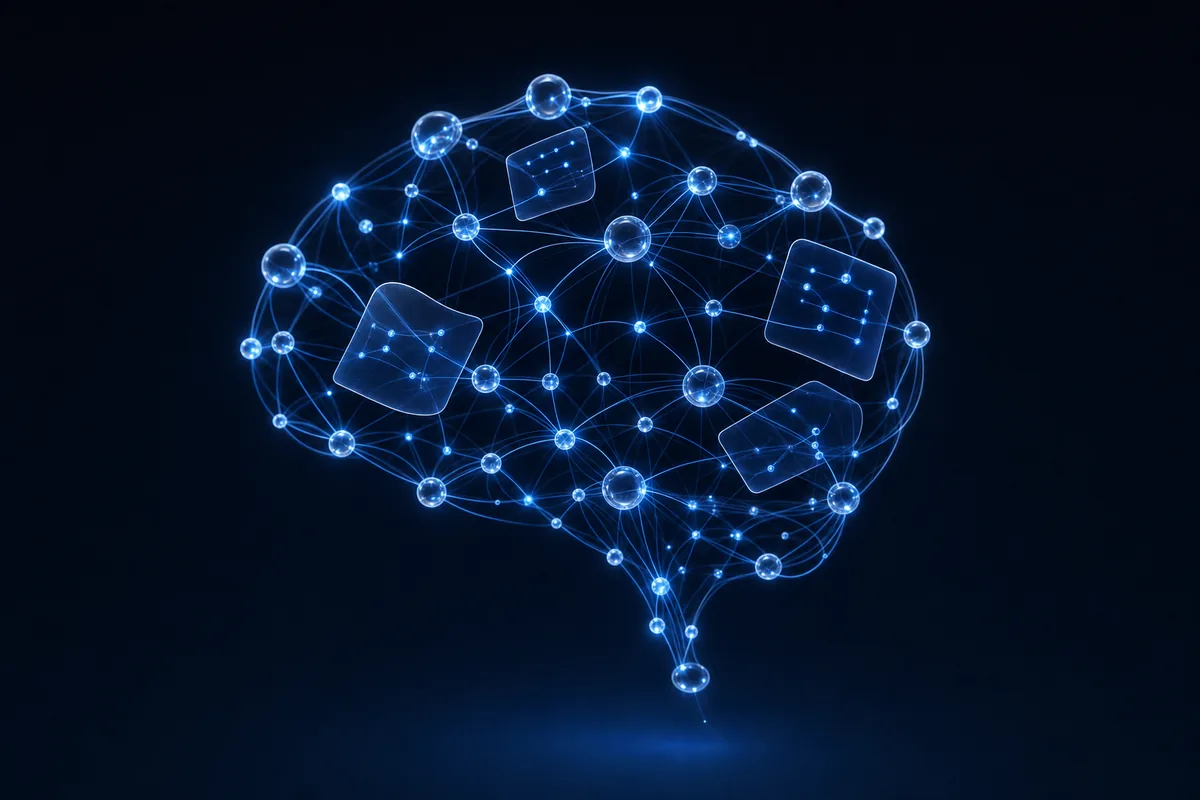
You have probably got notes everywhere. A few in your phone, some in a notes app you opened once, a pile of screenshots, half-finished thoughts buried in old chats. And when you actually need one of them, you cannot find it. So you give up and just try to remember.
I am Alex. I co-founded AgentPod, where we test and security-check AI skills for a living, and the single most common wish I hear is some version of this: I want my AI to just know my stuff. Not the whole internet. My stuff. My notes, my ideas, the things I keep having to repeat. That is what a second brain is for, and the good news is you can build one without being technical.
Let me show you what it actually is, why a folder of docs is not it, and how I would set one up step by step.
A folder of docs is not a second brain
Most of us already have a folder somewhere full of documents we meant to read again. Meeting notes, saved articles, that one PDF. It feels organized. But be honest: when did you last reopen anything in it?
That is the difference. A folder of docs is a place things go to be forgotten. A second brain is a place your AI can search and pull from on demand. The notes are the same. What changes is that something can now read them for you and answer questions using them.
A second brain is a single place where you keep your notes and ideas, set up so your AI can search it and recall the right thing exactly when you ask, instead of you digging for it.
Picture it like a brilliant assistant who has read every note you ever wrote and never forgets where you put anything. You ask, they answer, citing the note. That is the feeling we are building toward.
Why this matters more than it sounds
Out of the box, your AI forgets. Close the chat and most of what you told it is gone. So you re-explain your project, your preferences, your context, over and over. It is exhausting, and it is the number one complaint I hear.
That is nearly three out of four people tired of repeating themselves to a tool that is supposed to help. A second brain fixes the root cause. Instead of the AI relying on its own shaky short-term memory, it reads from a store you control. I wrote a whole piece on this if you want the why behind it: why your AI forgets.
And if the word skill is still fuzzy for you, it is just a saved set of instructions that teaches your AI to do one job well. Here is the plain version: what is an AI skill.
What goes into a second brain
You do not need a perfect system. You need one place and the habit of putting things in it. Here is the kind of stuff that belongs:
- Notes and ideas: the half-thoughts you would otherwise lose. Jot them down rough. The AI tidies them later.
- Reference material: meeting notes, articles you want to remember, how-tos, decisions you made and why.
- Context about you: how you like things done, your projects, your people, the facts you keep having to re-explain.
- Things you will need again: account details (the non-secret kind), recurring instructions, templates you reuse.
Do not polish notes as you write them. A second brain works best when capturing is fast and frictionless. Dump the thought in. When you need it, ask the AI to find and summarize it. Neatness is the AI's job, not yours.
How to set one up, step by step
This is the part people overthink. It is genuinely four moves. I will use a notes app you may already have, like Notion or Obsidian, because that is where most people already live.
- Pick one home for everythingChoose a single place: Notion, Obsidian, Apple Notes, whatever you will actually open. The app matters less than the rule. One place. Stop scattering notes across five tools.
- Start dumping notes inFor a week, every time you have a thought, a meeting, a saved link, put it there. Do not organize it. Just capture. You are feeding the brain. Twenty or thirty notes is already enough to feel the difference.
- Connect it to your AIThis is where a skill does the heavy lifting. Add a second brain skill to your AI agent (Claude Cowork, Claude Code, Codex, and more) so it can read and search your notes. You are not writing code. You are pointing the AI at your shelf and saying: this is mine, learn from it.
- Start asking it questionsNow use it. What did we decide about pricing last month? Summarize my notes on that project. What do I keep forgetting to do? The AI pulls the answer from your notes, not from thin air. That is the whole payoff.
The two skills I would reach for here do exactly these jobs. The first turns your notes into something the AI can query. The second keeps it synced with the app you already use, so you never have to copy and paste.
 Second BrainTurns your notes into a memory your AI can search and recall on demand.
 Notion / Obsidian SyncKeeps your second brain synced with Notion or Obsidian, no copy and paste.
Memory for the moment, memory for the long haul
There are really two kinds of memory worth knowing about, and they work together.
One is your second brain: the notes and reference material you deliberately put in. The other is persistent memory: the AI quietly remembering facts about you across conversations, so it stops asking the same questions. You tell it once that you prefer short replies, or that your co-founder is named Sam, and it sticks.
 Persistent MemoryYour AI remembers your preferences and facts across every chat, so you stop repeating yourself.
Together they cover both ends: the big searchable library of your notes, and the small running memory of who you are and how you like things. That is when an AI stops feeling like a stranger every morning.
Your second brain is your private thinking, so be deliberate about what reads it and where that data goes. Before you connect any skill, check what it touches and what it stores. We security-check every skill on AgentPod for exactly this reason, and you can read how on our security page.
Here is an example of the kind of prompt that only works once you have a second brain in place. Try it after you have captured a few weeks of notes.
Look through my notes and answer:

1. What were the three biggest decisions I made this month, and why?
2. Is there anything I wrote down that I said I would follow up on but never did?
3. Summarize what I currently think about [your project] in five bullet points.

Use only my notes. If you are not sure, say so.
That last line matters. A good second brain answers from your notes, not from guesswork, and it tells you when it does not know. That honesty is what makes it trustworthy.
The easiest way to start
If picking individual skills feels like one decision too many, we bundled the memory pieces together so you get the whole setup in one go: the second brain itself, the sync, and the recall, ready to use.
Second BrainEverything to capture, connect, and recall your notes, set up in one move.Two out of three people tell us they would rather have a small vetted shelf than wade through thousands of options, and I am firmly in that camp. Start with the bundle, add notes, and let it grow with you.
- A folder of docs is where notes go to be forgotten. A second brain is where your AI can find them on demand.
- Put everything in one place and capture rough. Neatness is the AI's job, not yours.
- Setup is four moves: one home, dump notes, connect a skill, start asking questions.
- Pair your second brain (your notes) with persistent memory (facts about you) so the AI stops feeling like a stranger.
- Be deliberate about what reads your notes and where the data lives. Use vetted, security-checked skills.
- Even twenty or thirty notes is enough to feel the difference. It compounds from there.
Common questions
Do I need to be technical to build a second brain for my AI?
No. The hardest part is the habit of putting notes in one place, not the technology. If you can use a notes app like Notion, Apple Notes, or Obsidian, you have enough. A skill like Second Brain or Notion / Obsidian Sync handles the connecting and recalling part for you.
What is the difference between a second brain and just chatting with ChatGPT?
A plain chat forgets almost everything between sessions. A second brain is a store of your own notes that the AI reads from before it answers. So instead of starting from zero each time, it answers using what you already wrote down. Our article on why your AI forgets explains the memory gap in more detail.
Do my notes need to be neat and well organized?
Not really. Messy notes are fine as long as they are searchable text. The AI does the organizing when you ask. The one thing that matters is putting them in one place instead of scattering them across apps, screenshots, and chat history.
Is it safe to let an AI read all my notes?
It depends on where the notes live and who can see them. Read whatever the skill connects to and what it does with your data. AgentPod runs everything you store privately, so your second brain stays yours. We security-check every skill before it goes on the shelf.
Notion or Obsidian: which should I pick?
Either works. Notion is easier to start with and lives in the cloud. Obsidian keeps plain files on your own machine, which some people prefer for privacy. The Notion / Obsidian Sync skill connects to both, so you are not locked in.
How long until a second brain actually feels useful?
Sooner than you think. Even twenty or thirty saved notes give the AI enough to pull from. It compounds: the more you capture, the better the answers get. Start small and add to it as you go.
Keep reading
 Why your AI forgets everything between chats (and how to fix it)You explain your projects, your tone, your context, and the next chat it is a blank slate. Here is the plain reason why, and how to make your AI actually remember.
 What is an AI skill? ChatGPT Skills vs Custom GPTs vs Claude Skills, in plain EnglishEveryone is talking about AI skills. Almost nobody can explain what they are. Here is the simple version, no jargon.